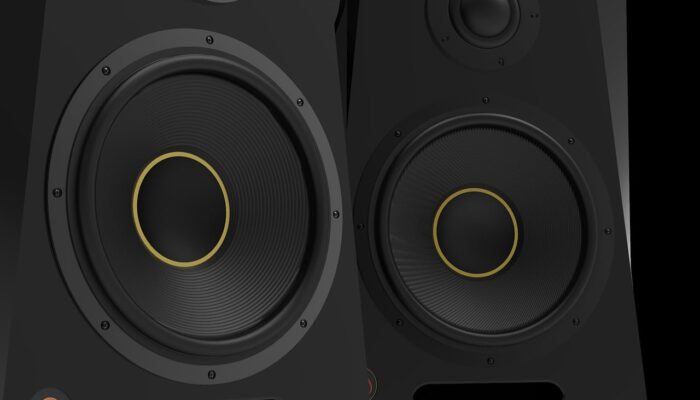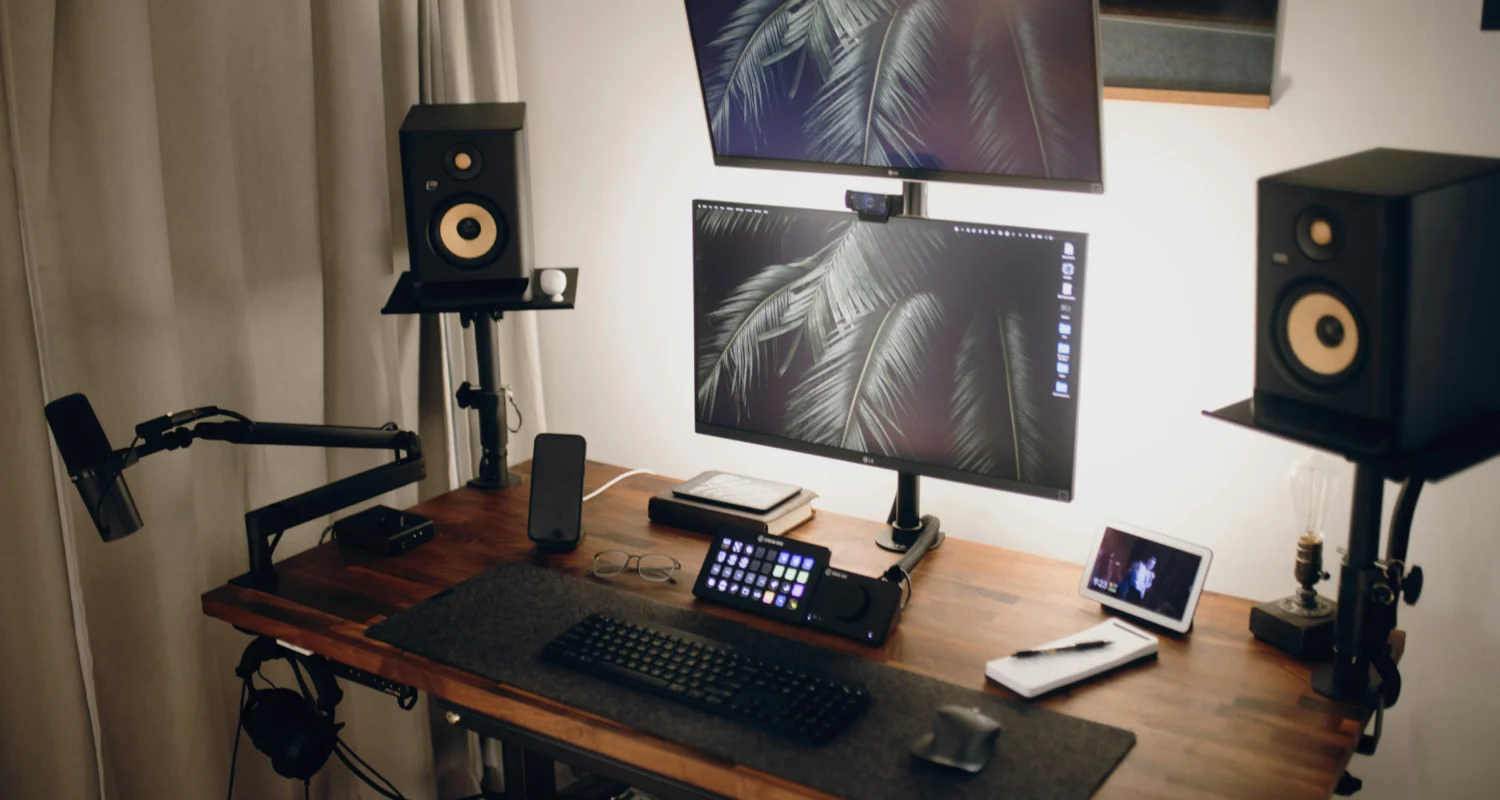
Buying your first pair of passive speakers can be confusing, especially if you expected them to work like normal PC speakers straight out of the box.
You connect everything, turn on your PC or TV and suddenly realize there is no sound at all. The speakers look premium, the reviews are great and the cables appear connected properly, yet nothing happens.
This is one of the most common mistakes people make when buying bookshelf speakers for a desktop, gaming setup or home audio system.
The good news is that your speakers are probably not broken.
If you bought passive speakers like the Cambridge Audio SX50, Q Acoustics 3020i, Wharfedale Diamond series, ELAC Debut speakers or similar hi-fi bookshelf speakers, you simply need additional equipment before they can produce sound.
This guide explains:
- why passive speakers do not work on their own
- what equipment you actually need
- how to connect passive speakers to a PC or TV
- whether you need an amplifier, DAC or audio interface
- the easiest budget-friendly setup options
What are passive speakers?
So you may wonder what are passive speakers? Passive speakers are speakers without built-in amplification. Unlike powered speakers, they cannot power themselves and require an external amplifier or receiver to work properly.
This is why connecting passive speakers directly into:
- a PC headphone jack
- a TV AUX output
- a phone adapter
- a motherboard audio port
usually results in no sound at all. Yes, I hear frustration.
Your PC or TV only sends a low-power audio signal. Passive speakers need amplified power to physically move the speaker drivers and create sound.
If your speakers have:
- red and black speaker terminals
- binding posts
- speaker wire connections
they are almost certainly passive speakers.
Popular passive speaker examples may include following, which can be found on the market in 2026:
- Cambridge Audio SX50
- Q Acoustics 3020i
- ELAC Debut B5.2
- Wharfedale Diamond 12.1
- Polk ES15
- Klipsch bookshelf speakers
Why passive speakers need an amplifier
An amplifier sits between your device and the speakers.
Its job is to:
- take the audio signal from your PC or TV
- increase its power
- send enough energy to drive the speakers properly
Without amplification, passive speakers cannot produce sound.
PC or TV > Amplifier > Passive speakers
Although it may be irrational to beginner in the hi-fi sphereThis is completely normal in hi-fi audio systems.
What you actually need for passive speakers
Most beginners assume they need expensive studio equipment, but the setup is much simpler than it first appears.
In most cases, you only need four things.
1. Passive speakers
This is your actual speaker pair.
Examples include:
- Cambridge Audio SX50
- Wharfedale Diamond speakers
- Q Acoustics bookshelf speakers
2. Amplifier
This is the missing piece most beginners do not realize they need.
Compact desktop amplifiers are now:
- affordable
- small
- beginner-friendly
- easy to connect
We did some research on popular budget options that are available to you:
- Fosi Audio BT20A
- SMSL A50 Pro (SMSL A100 or SMSL A300 – these are slightly more expensive if you can stretch your budget lightly)
- AIYIMA A07
- Fosi BT10A
These amplifiers are specifically designed for passive bookshelf speakers.
3. Speaker wire
You also need speaker cable between the amplifier and speakers.
This is another commonly forgotten item because many speakers do not include cables in the box. Fortunately, basic copper speaker wire is inexpensive. You do not need expensive audiophile cables.
For most desktop setups:
- 16 AWG copper speaker wire
- banana plugs optionally
works perfectly well. You can actually buy even budget cable (2m) for around 10GBP and should work fine. Later on you can always upgrade while upgrading your audiophile equipment.
4. Connection from your PC or TV to the amplifier
This depends on your setup.
Common connection methods include:
- 3.5mm-to-RCA cable
- USB
- Bluetooth
- optical cable
- HDMI ARC
Many modern mini amplifiers support several of these.
How to connect passive speakers to a PC
This is the setup most people search for after realising their speakers do not work directly from the computer. Here are your options.
Option 1: Wired PC setup
The most common solution looks something like this:
PC > 3.5mm-to-RCA cable > Amplifier > Speaker wire > Passive speakers
This is definitely beginner-friendly solution. It’s also simple, cheap and reliable enough so you can enjoy your better quality music.
If your amplifier supports USB audio, you can also connect directly through USB instead.
Option 2: Bluetooth connection
Many compact amplifiers now support Bluetooth and some so-called mini-amplifiers are available to consumers. Many unknown brands give you more possibilities to setup your passive speakers at lower cost.
PC Bluetooth > Amplifier > Passive speakers
This solution reduces cables and works well for desktop setups assuming you have desktop Bluetooth connectivity at your disposal.
How to connect passive speakers to a TV
TV setups are very similar.
Modern TVs usually connect through:
- HDMI ARC
- optical audio
- RCA outputs (cinch)
- Bluetooth
Many newer compact amplifiers support TV integration directly.
For example:
- SMSL A50 Pro
- some Fosi models
- compact integrated amplifiers
can work easily in small TV setups.
Do you need a DAC for passive speakers?
Usually, no.
This is one of the biggest beginner misconceptions.
A DAC simply converts digital audio into analog sound. Most PCs, TVs and amplifiers already contain DACs internally.
That means you often do not need a separate DAC at all.
For example:
- your motherboard audio already contains a DAC
- USB amplifiers often contain DACs
- TVs already process digital audio internally
Dedicated DACs can improve sound quality in some setups, but they are not required just to make passive speakers work.
Do you need an audio interface?
You may ask yourself a question whether you need an audio interface to actually play sound from your PC. The answer again is – usually no.
Audio interfaces are mainly designed for:
- microphones
- recording instruments
- music production
- studio monitoring
For
- listening music
- gaming
- YouTube
- music streaming
- movies
- casual listening
a normal compact amplifier is enough.
Common mistakes beginners make
Buying passive speakers thinking they are powered
This is extremely common.
People often assume all speakers behave like:
Bluetooth speakers
Logitech PC speakers
soundbars
Traditional passive hi-fi speakers do not.
Overspending on audio equipment
The truth is that you do not need to overspend on the audio equipment. And normally giant AV receivers, expensive DACs, studio hardware, audiophile cables are not necessarily and to begin with won’t make much difference for most of you. You will be able to enjoy good quality sound without overspending.
to enjoy good sound.
Forgetting speaker wire
Many passive speakers and amplifiers do not include cables. And it is true, that often it is not explicitly stated whether they included or should be purchased separately. With active speakers though they mostly included and we may wrongly assume this is also the case with passive.
Buying an amplifier that is too complicated
For desktop or bedroom listening, compact amplifiers are usually the best option.
Passive vs powered speakers
If all this sounds annoying, you may actually prefer powered speakers instead.
Powered speakers already contain amplification internally which is very convinient, however may be also limitation further on the road if our music appetite grows.
That means the setup becomes:
PC or TV > Powered speakers
No external amplifier required.
Powered speakers are often:
- easier for beginners
- cleaner for desks
- simpler to install
However, passive speakers remain popular because they offer:
- better upgrade flexibility
- component swapping
- long-term expandability
- traditional hi-fi performance
Best beginner setup for passive speakers
For most people, the easiest affordable setup is:
- passive bookshelf speakers
- compact Class D amplifier
- basic speaker cable
That’s all you need.
A setup like:
- Cambridge Audio SX50, SX60, etc
- Fosi Audio BT20A
- standard speaker wire or banana plug (see amazon basic cable for budget option)
will do the job. And they can already sound significantly better than many standard PC speakers or soundbars. Obviously it is important what quality music we listen too, youtube and some streaming platforms music for example is highly compressed and highly depend on format. But that is a story for a another article (which I may or may not write here at some point).
Conclusion Time
Any conclusions regarding to buying passive speakers without realising extra hardware is required can feel frustrating initially, but it is an extremely common beginner mistake.
The important thing to understand is that passive speakers are designed differently from powered speakers. They require external amplification before they can produce sound.
Fortunately, modern compact amplifiers have made the process much simpler and more affordable than it used to be.
In most cases, all you really need is:
- an amplifier
- speaker wire (with plugs, i.e. nowadays popular banana type)
- a simple connection from your PC or TV
Once everything is connected correctly, passive speakers can deliver excellent sound quality for gaming, music, movies and desktop listening without requiring an overly complicated setup.
Why do passive speakers not work without an amplifier?
Passive speakers do not contain built-in amplification, so they require an external amplifier to power the speaker drivers and produce sound.
Can I connect passive speakers directly to my PC?
No. A PC headphone jack only outputs a low-power audio signal. Passive speakers need an amplifier between the PC and speakers.
What do I need for passive speakers?
You usually need:
- an amplifier
- speaker wire
- a connection from your PC or TV to the amplifier
Do passive speakers need a DAC?
Not always. Most PCs, TVs and many modern amplifiers already contain DACs internally.
Are passive speakers better than powered speakers?
Passive speakers offer more upgrade flexibility and customization, while powered speakers are usually easier for beginners and simpler to set up.